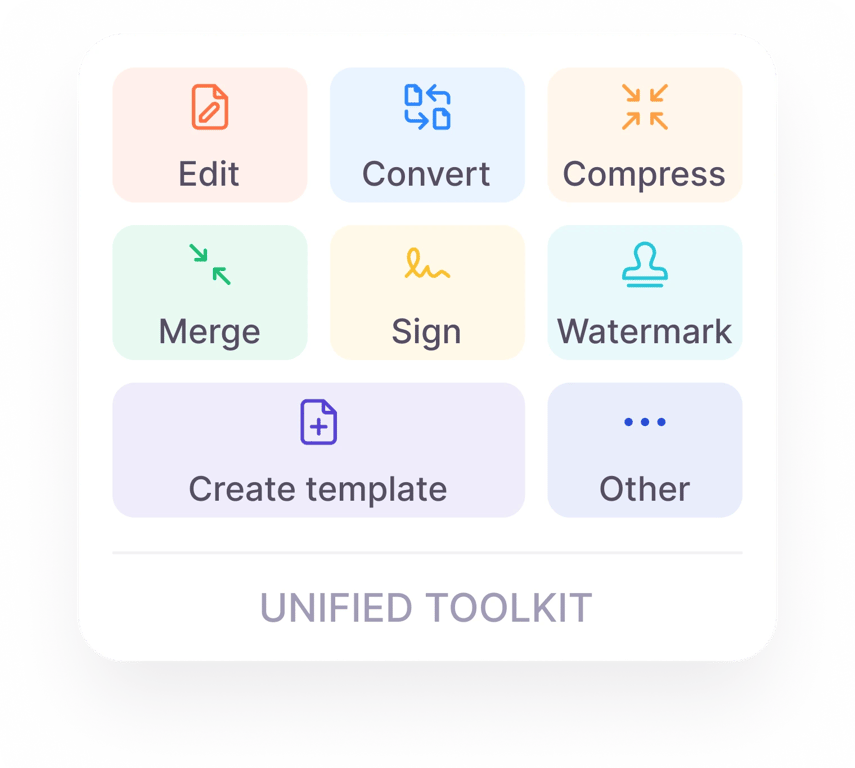
One platform for all your PDF tools


Crop your PDF in 3 simple steps
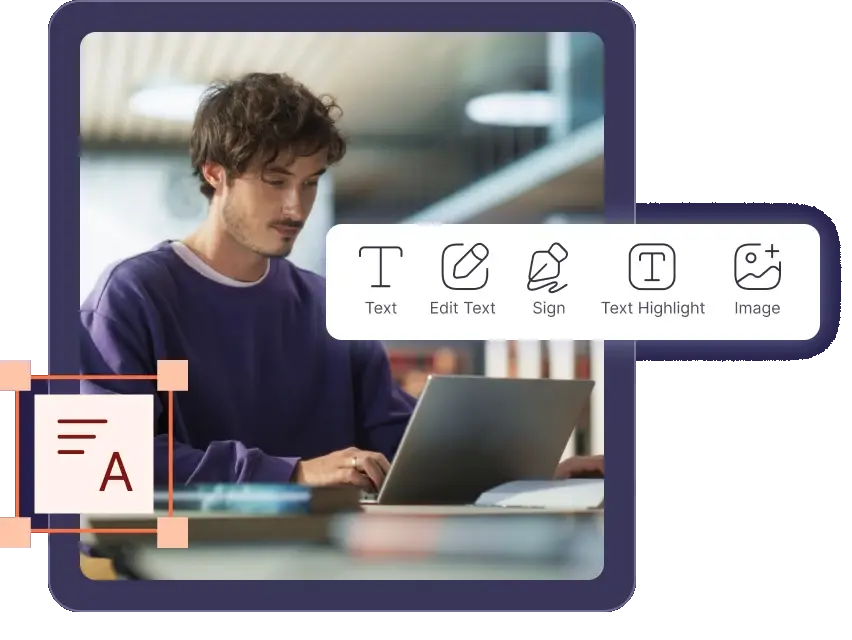
Upload the PDF file you want to modify.
Select the "Crop" tool and adjust the crop area.
Click "Download" to get your cropped PDF.
Why choose PDF House?
From quick fixes to share-ready documents, get everything done in one place.
One complete workspace
Edit, convert, compress, merge, split, and sign PDFs without switching tabs.
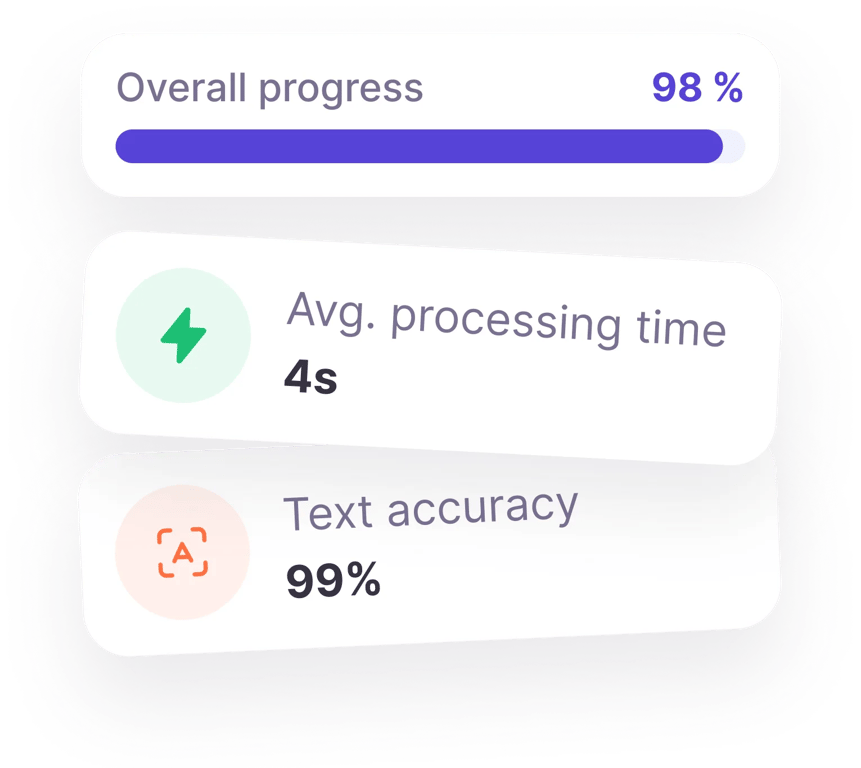
Accuracy you can trust
Get pixel-perfect, editable files in seconds, even from scanned documents.
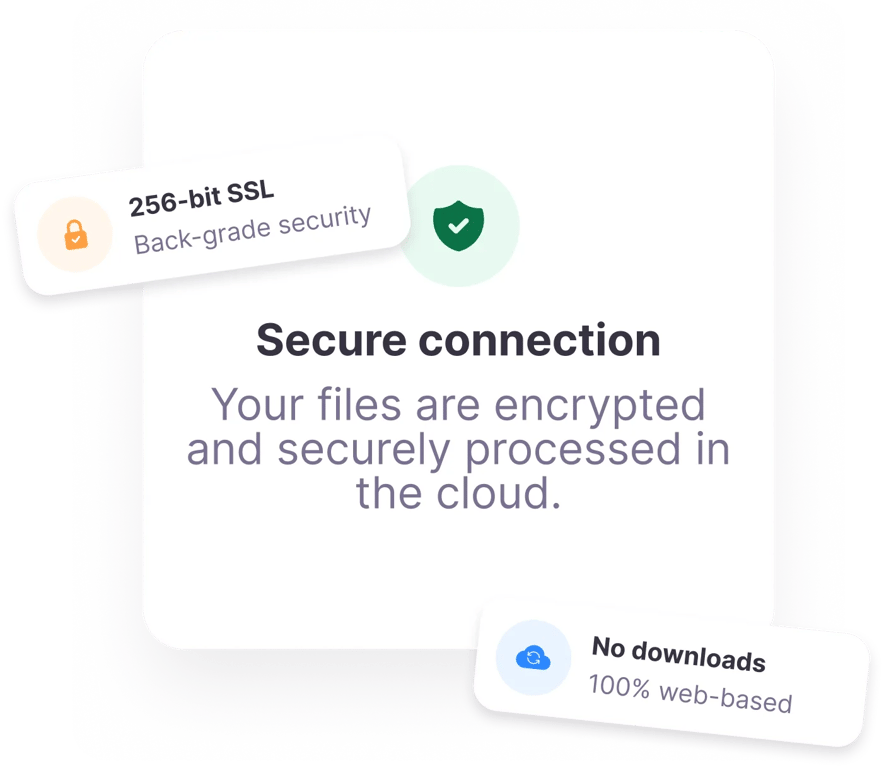
Built-in security
Access files securely right in your browser, protected by automatic encryption.