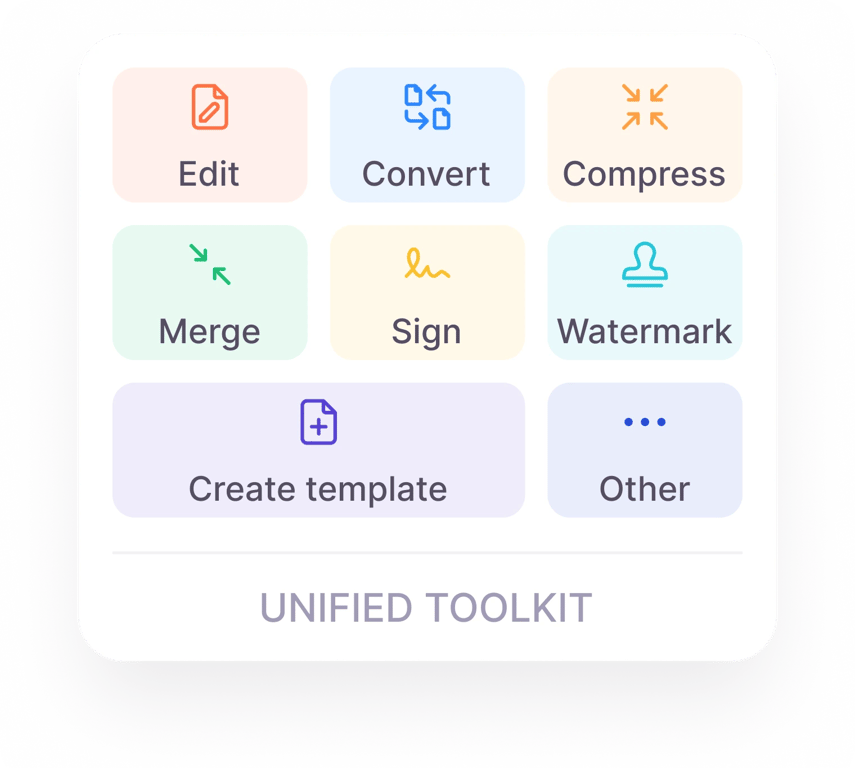
One platform for all your PDF tools


Create a PDF form in 3 steps
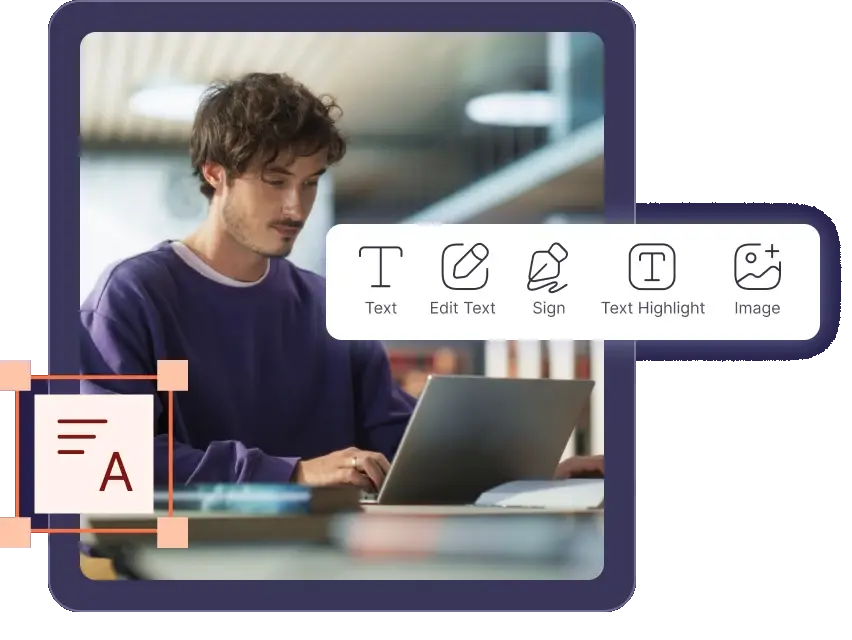
Upload your PDF or create a blank document.
Add text fields, checkboxes, and signature blocks.
Download and use your new template or form.
Why choose PDF House?
From quick fixes to share-ready documents, get everything done in one place.
One complete workspace
Edit, convert, compress, merge, split, and sign PDFs without switching tabs.
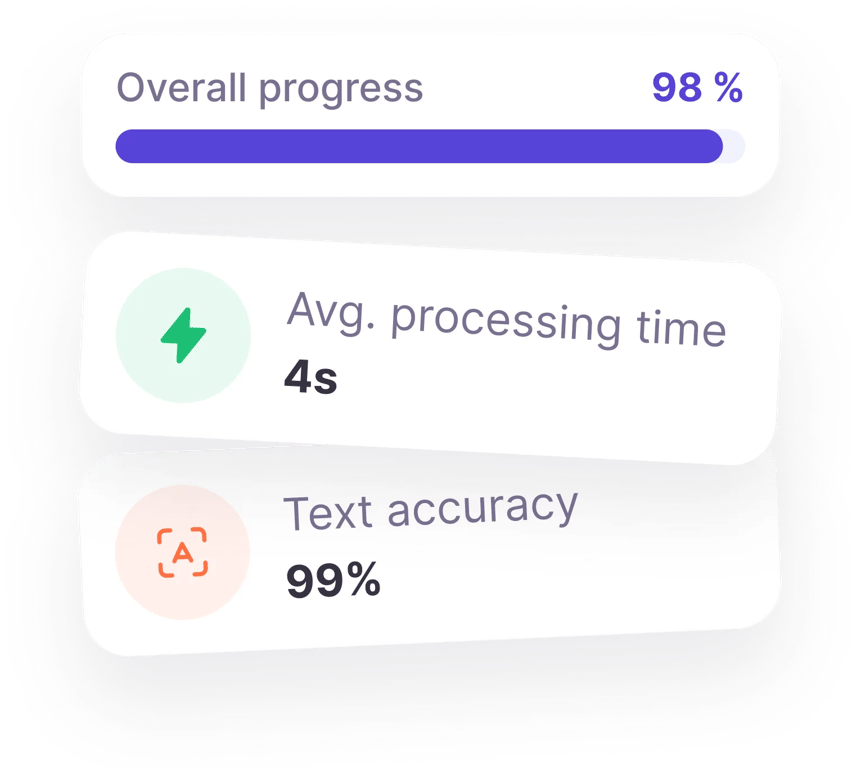
Accuracy you can trust
Get pixel-perfect, editable files in seconds, even from scanned documents.
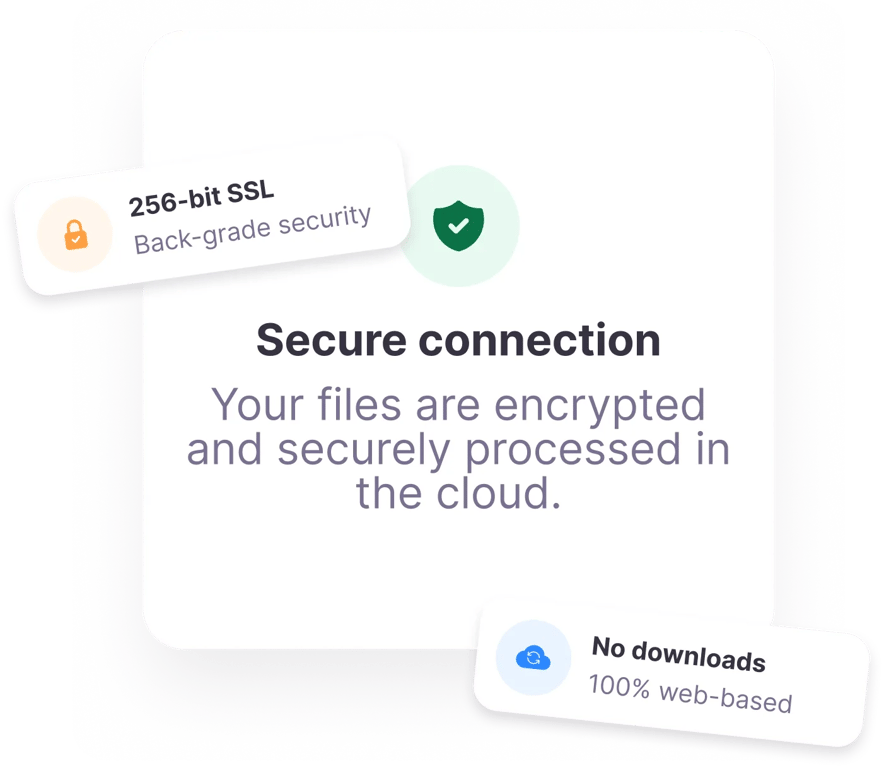
Built-in security
Access files securely right in your browser, protected by automatic encryption.